 Shopify Migration



Magento 2 Delete Order
 Trending

- for Magento 2.4.x (CE, EE)

Magento 2 Delete Orders enables administrators to easily delete orders as well as all related documents such as invoices, shipments, and credit memos. This is the ideal solution for deleting all test orders that may cause confusion.
Magento 2 Delete Orders enables administrators to easily delete orders as well as all related documents such as invoices, shipments, and credit memos. This is the ideal solution for deleting all test orders that may cause confusion.




User Guide
Our magento 2 delete order extension module allows the admin to efface the inevitable orders and irrelevant documents including invoices, shipment, and memos. This allows the admin to conveniently manage and organize his/ her order data in the back-end. Admins can remove irrelevant and confusing orders or test orders easily with this module.
Features
- Admin can Enable / Disable the module.
- Delete orders in batch.
- Delete individual order.
- Delete orders and their relevant invoices, shipment, and memos.
- Delete option from product grid itself.
- Easy configuration.
- Supports every store.
- Keeps’ back-end organized.
- Removes tests and confusing orders.
Steps:

Extension Installation
- Download the zip file
- Extract and put it into /app/code/
- Open Cli in the Magento directory and follow the below commands:
- php bin/magento s:up
- php bin/magento s:d:c
- php bin/magento s:s:d -f
- php bin/magento i:rei
- php bin/magento c:f
- php bin/magento cron:install
- php bin/magento cron:run
Admin Configuration Screen
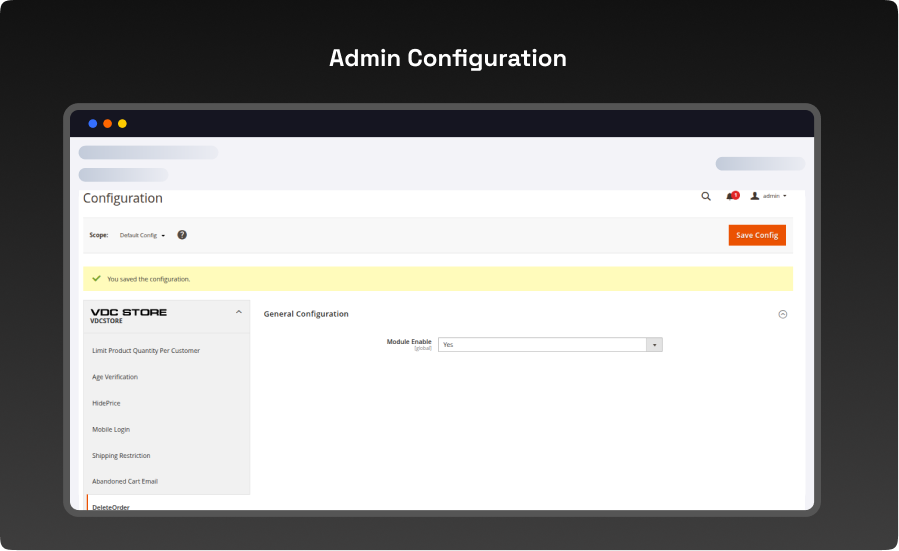
Configuration Login to the Admin Magento, Stores > Configuration > VDCSTORE> Delete Order
Admin can Enable / Disable the Delete Order module.
- Now, Sales > Orders
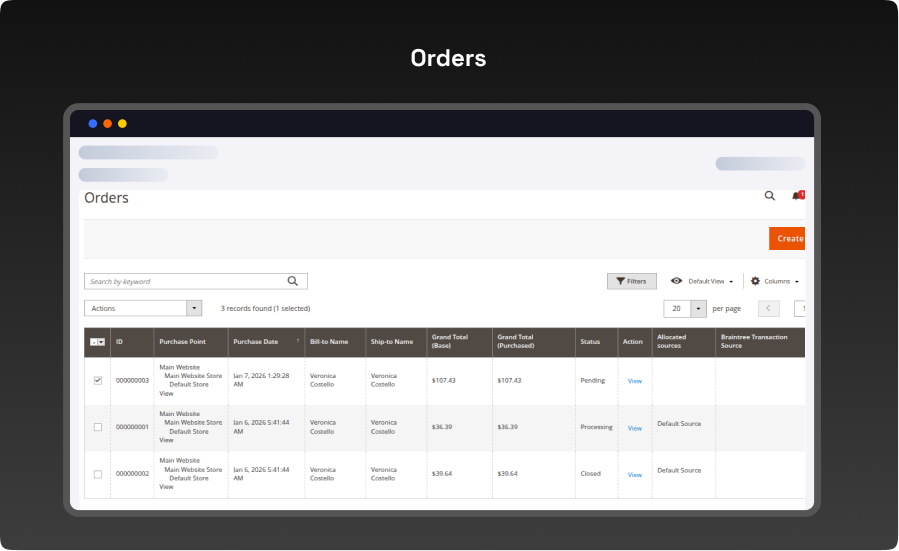
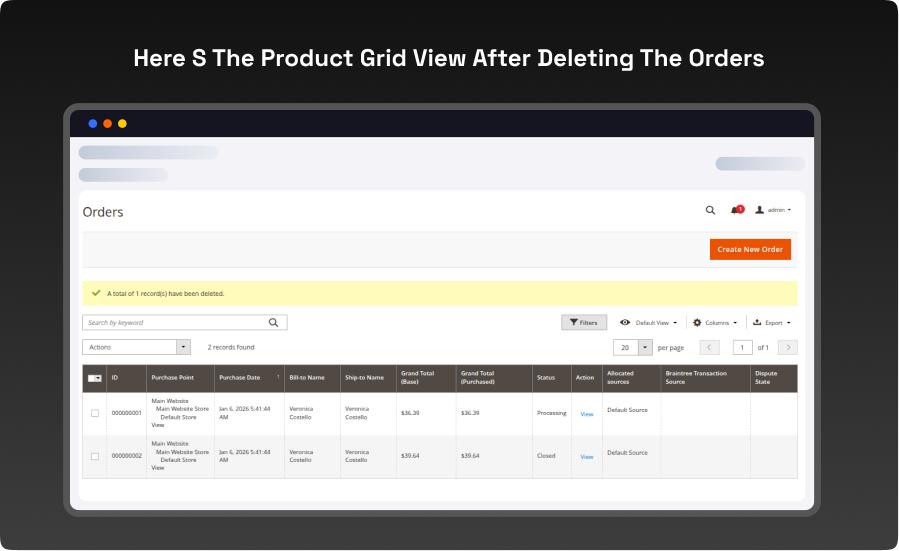
- Admin Select orders in the product grid that he wants to delete. For case, we have selected two orders.
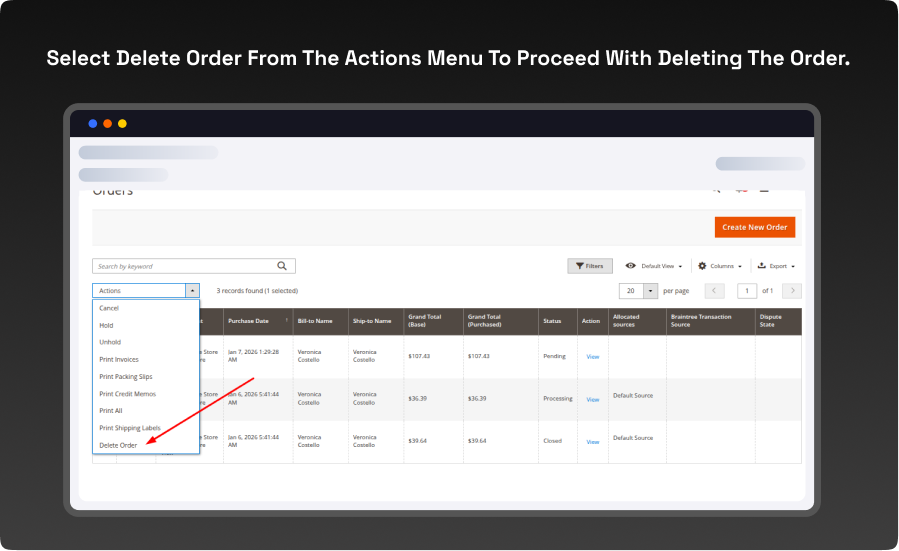
- select delete order from the actions menu to proceed with deleting the order.
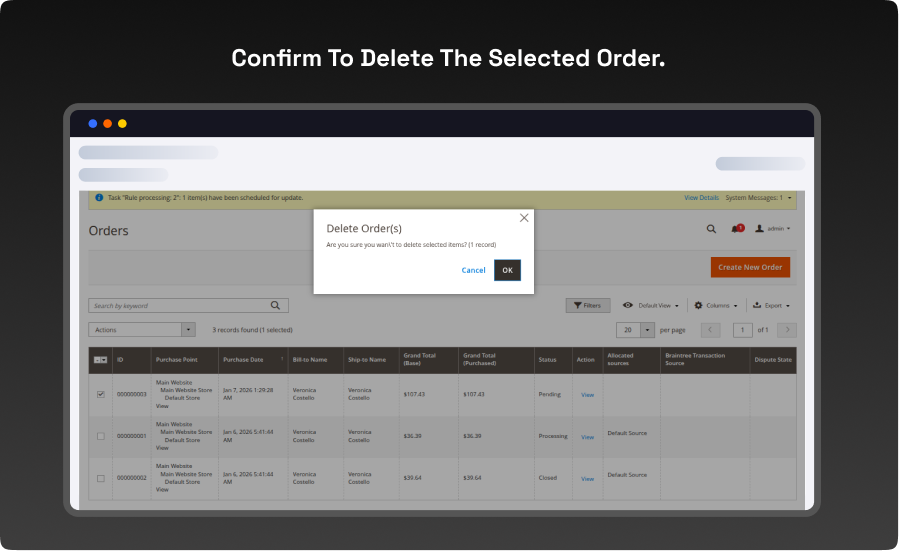
- Confirm to delete the selected order.
So, the two selected orders are deleted. Here s the product grid view after deleting the orders
What you'll obtain with our Magento Technical Audit
With VDC Store's Magento eCommerce technical audit you'll gain expert in-depth analysis with an exhaustive summary of the state of your store’s code quality and overall usability.

-
 An organizational summary of discoveries with preferences and a brief overview
-
3rd party extensions initial review
-
An exact description of results and suggested solutions
-
Database integrity review to ensure data is recorded precisely as planned
-
Top preferences for your architects
-
Code quality examination (periodic reflection of your store source code)
-
Examination of possible Magento core design changes
-
Speed and execution analysis (HTTP requests, optimizations, response headers)
By a technical appraisal, the client not only obtains information about the issues the store is facing but also this examination by VDC Store allows them to acquire beneficial information and concepts for setting up programs to enhance sales and conversion drivers.
Our analysis appreciates the essence of your business. We are not utilizing an automatic procedure that is used in every case. We want to make sure you end up with suggestions based on the exact condition of your store. Start the discussion about the Magento technical audit you're curious in by filling out the Contact Us form.
Why Choose the Magento 2 Delete Order Extension for Your Store?
The Magento 2 Delete Order Extension allows store admins to easily delete unwanted or test orders from the backend. It helps maintain a clean and organized order grid, improves efficiency, and ensures accurate reporting. Manage your store effortlessly with this simple yet powerful tool!
FAQs

Live Demo


Explore Our Customer Reviews
Dr Zahid
 Verified
Very happy with the website service!
Very happy with the website service. Great communication, high-quality design, and timely delivery. Everything was handled professionally, and the end result exceeded our expectations. Would definitely recommend.
Ravinder Gupta
VerifiedGreat experience
Great experience working with this software company. The team is professional, responsive, and delivered exactly what was promised.
Erel Support
VerifiedExtremely satisfied
I am extremely satisfied with the website they built for us. They listened carefully to our ideas, suggested improvements, and delivered a site that perfectly represents our brand.The process was smooth,strees-free,well organized.Great attention to detail and excellent support even after launch
Anurag Kumar
VerifiedGreat experience working with this team
We had a great experience working with this team for our website. They were Professional, responsive, and clearly understood our requirements from the start. The final website looks clean and modern and works perfectly across all devices. Communication was smooth throughout the project, and everything was delivered on time. Highly recommended for anyone looking for reliable website services and extensions.
Amol Bhoyate
VerifiedReliable, Professional, and High-Quality Web Development
We had a great experience working with VDC Store for our website development needs. From the very beginning, their team was professional, responsive, and attentive to our requirements. They clearly understood our vision and delivered a modern, user-friendly website that aligns perfectly with our business goals.
Comparison


Explore Our Hyvä Theme Demos
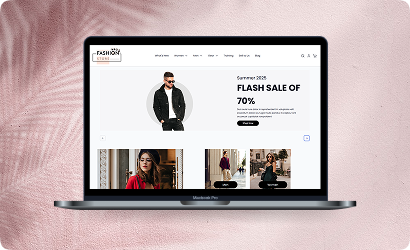
Fashion Store
Experience lightning-fast browsing and seamless product discovery in our Fashion demo, designed for smooth navigation and instant page loads.

Jewelry Store
Experience a sleek, lightning-fast browsing experience with our Jewelry demo — optimized for smooth navigation and instant product loading. Modern design meets high performance for flawless shopping.
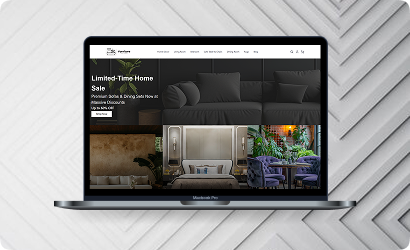
Furniture Store
Our Furniture demo delivers fast, responsive pages and seamless product filtering, letting users explore large collections without delay. Performance-driven design for ultimate online convenience.
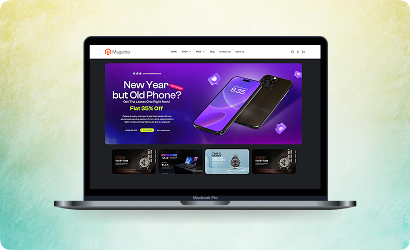
Electronics Store
Explore the Electronics demo with blazing-fast load times and smooth interactive features, ensuring a high-speed, immersive shopping experience. Optimised for tech-savvy customers.
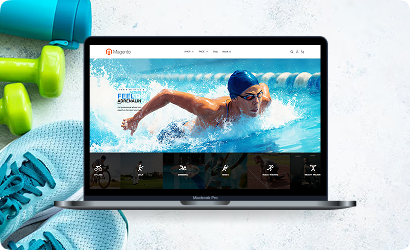
Fitness Store
The Fitness demo combines speed and responsiveness with effortless navigation, making it easy to browse workout gear and accessories quickly. Built for fast, engaging online fitness shopping.

Beauty Store
Enjoy instant load times and smooth interactions in our Beauty demo, designed for a seamless, high-performance shopping journey. Perfect for browsing beauty products without interruptions.
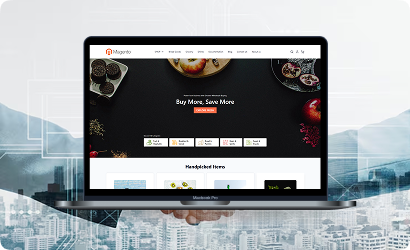
B2B Store
Our B2B demo emphasizes speed and efficiency, handling bulk catalogs and quick ordering without lag. Engineered for high-performance business-to-business operations.
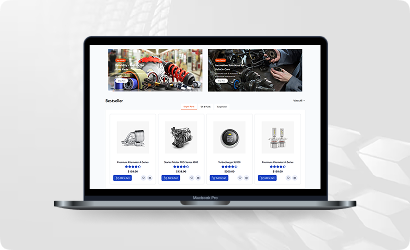
Auto Store
The Auto demo offers responsive navigation and rapid product searches, making car parts and accessories easy to find. Optimized for high-speed, performance-driven shopping.
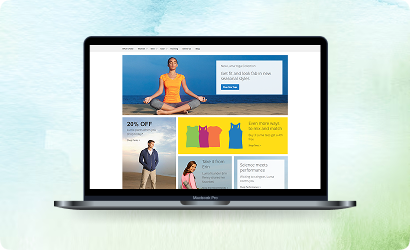
Hyvä Demo Store
Experience the Hyvä demo’s cutting-edge performance with near-instant page loads, smooth animations, and superior responsiveness. Designed for modern, lightning-fast eCommerce.
FANTASTIC AND PREMIUM CLIENTS
Trusted by







Need More Help?
Save time by starting your support request online and we'll connect you to an expert. Save time by starting your support request.